Annual Dinner Activations
Stage lucky draws, message walls and table games that keep employees in the room until the last prize.
Discuss your workflow- Exciting Big-Screen Lucky Draw
- Instant Digital Photo Sharing
- Greater Employee Participation
- Premium VIP Event Experience
Sound familiar?
Why annual dinners lose the room before the final draw
Employees Leaving Before the Final Draw
Employees may leave before the final lucky draw when the programme progresses too slowly or provides limited opportunities for participation.
Limited Interaction at Dinner Tables
Guests may remain passive during the meal when there are few opportunities to interact or participate.
Limited Visual Impact During the Lucky Draw
Drawing winners from a paper box provides little visual excitement for guests watching the main-stage LED screen.
Try your luck
Run a lucky draw
Press the button and watch the numbers roll. At your dinner the draw runs on the big screen, and only guests who have checked in are in it.
Ready when you are
Your lucky number0000
This one is only for fun. On the night, the winner comes up on the big screen the same way.
Your flight plan
A Simple Process from Planning to Event Night
- 1
Discuss the Dinner Theme and Programme
We review the dinner schedule, lucky draw prize categories, and main-stage LED screen requirements.
- 2
Customise the Game Design and Rules
We incorporate your company logo and dinner theme, then configure the game rules and lucky draw animations.
- 3
Set Up and Test the Venue Equipment
Our team sets up the iPads, touchscreens, and LED-screen connection, then completes a full system test before guests arrive.
- 4
Provide Live Stage Support on Event Night
Our technical crew operates the software live on stage to ensure the event program runs smoothly.
A closer look at the process
A livelier night with less work for the organising team
Exciting Big-Screen Lucky Draw
Display lucky draw results on the main-stage screen and connect the draw directly to your attendance list for a faster, fairer and more engaging experience.
Greater Employee Participation
Encourage employees to remain engaged throughout the evening through live games, voting and stage activities accessible from their mobile phones.
Premium VIP Event Experience
Create a polished digital experience for executives and guests. Interactive displays and coordinated stage technology contribute to a professional event atmosphere.
Registration Data Sync
Connect all live activities directly to your employee attendance list. This ensures accurate check-in, smooth data matching, and clean post-event reporting.
On-Site Technical Guidance
Our technicians guide your event team through the system and remain available on-site to support the organising committee throughout the programme.
Worth a detour
Games and stage tools for your annual dinner
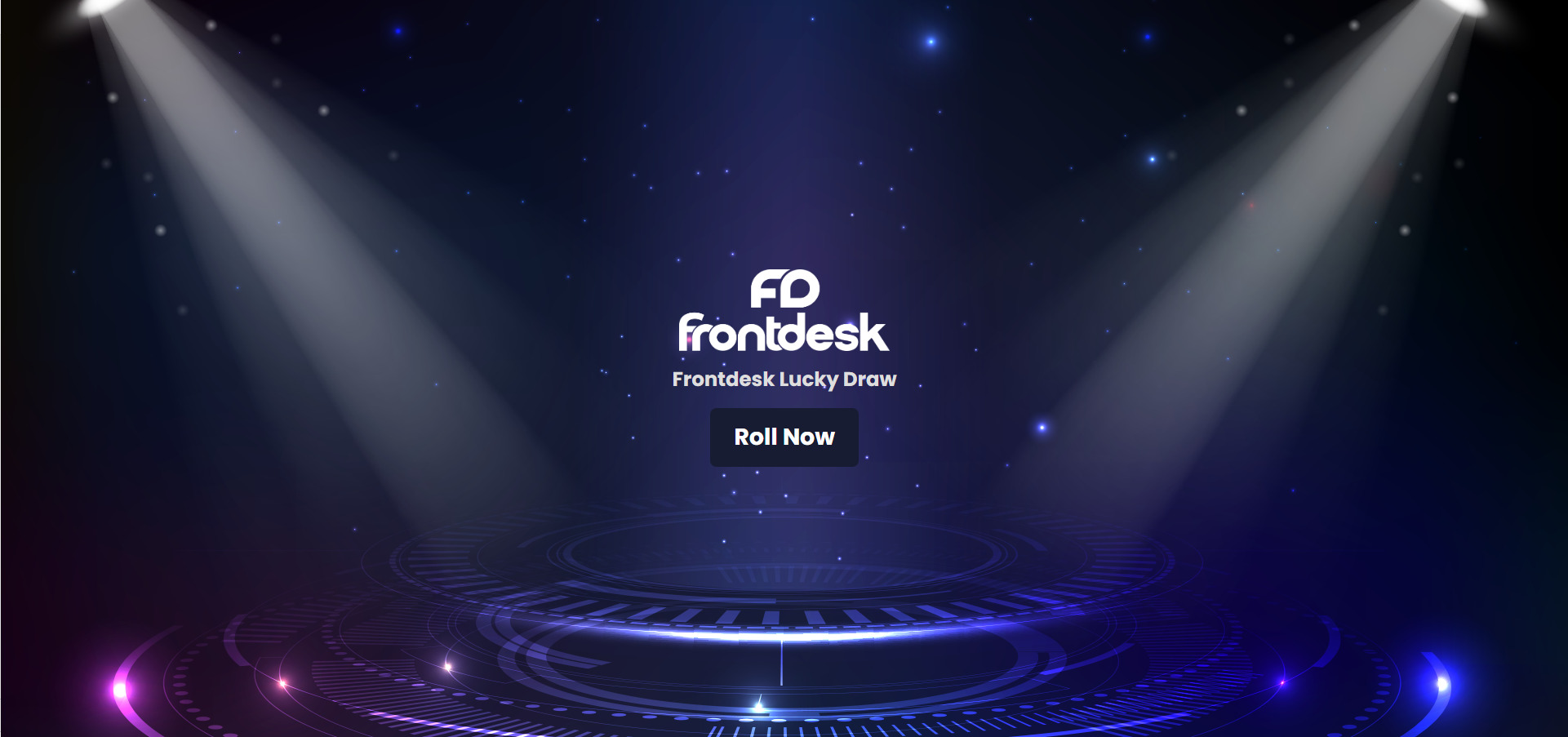
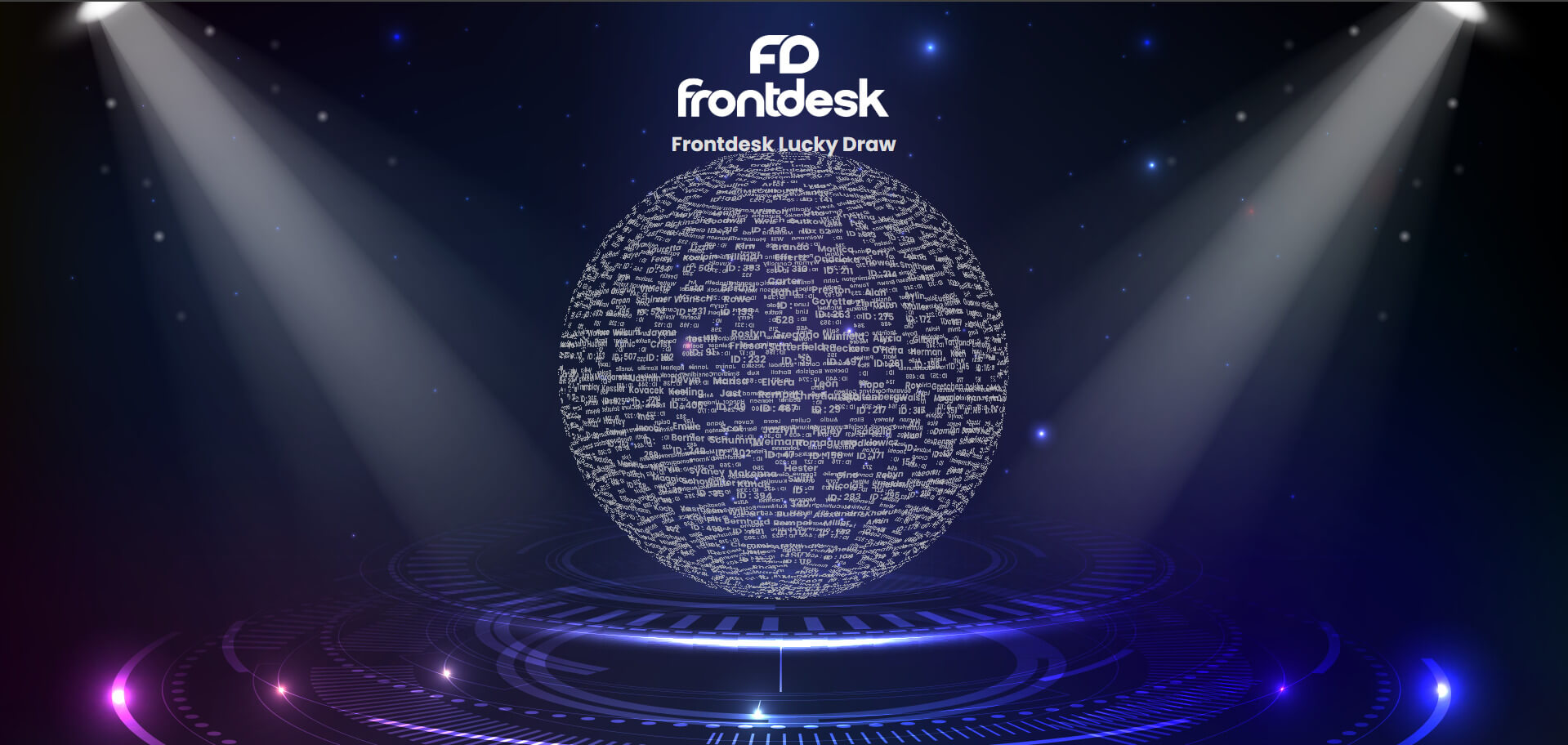
Big Screen Stage Lucky Draw
A digital lucky draw system display on main stage LED screen. Event host or CEO control prize wheel roll using an iPad.
Best for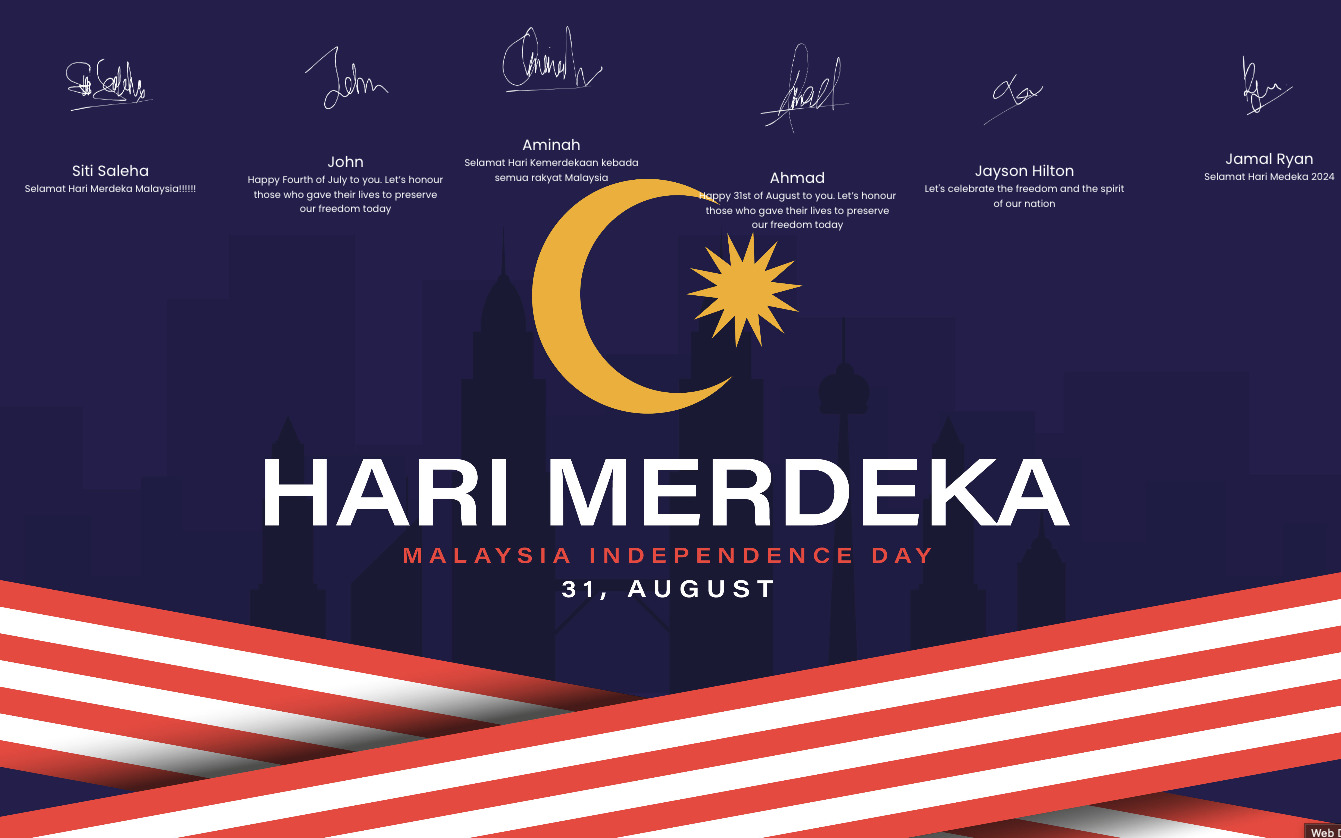
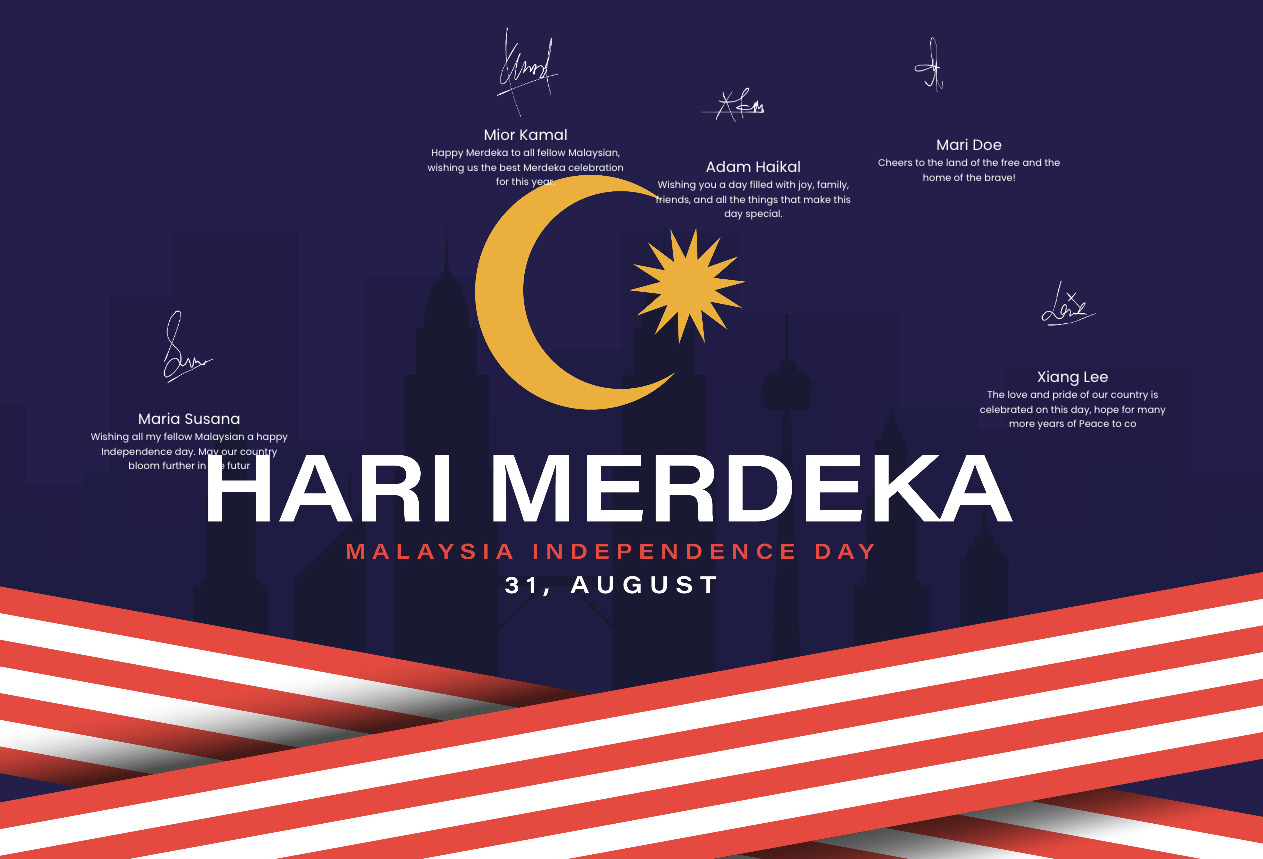
Digital Wishing & Message Wall
Guests scan QR code at dinner table using mobile phone to send congratulations text wishes or photos to main screen.
Best for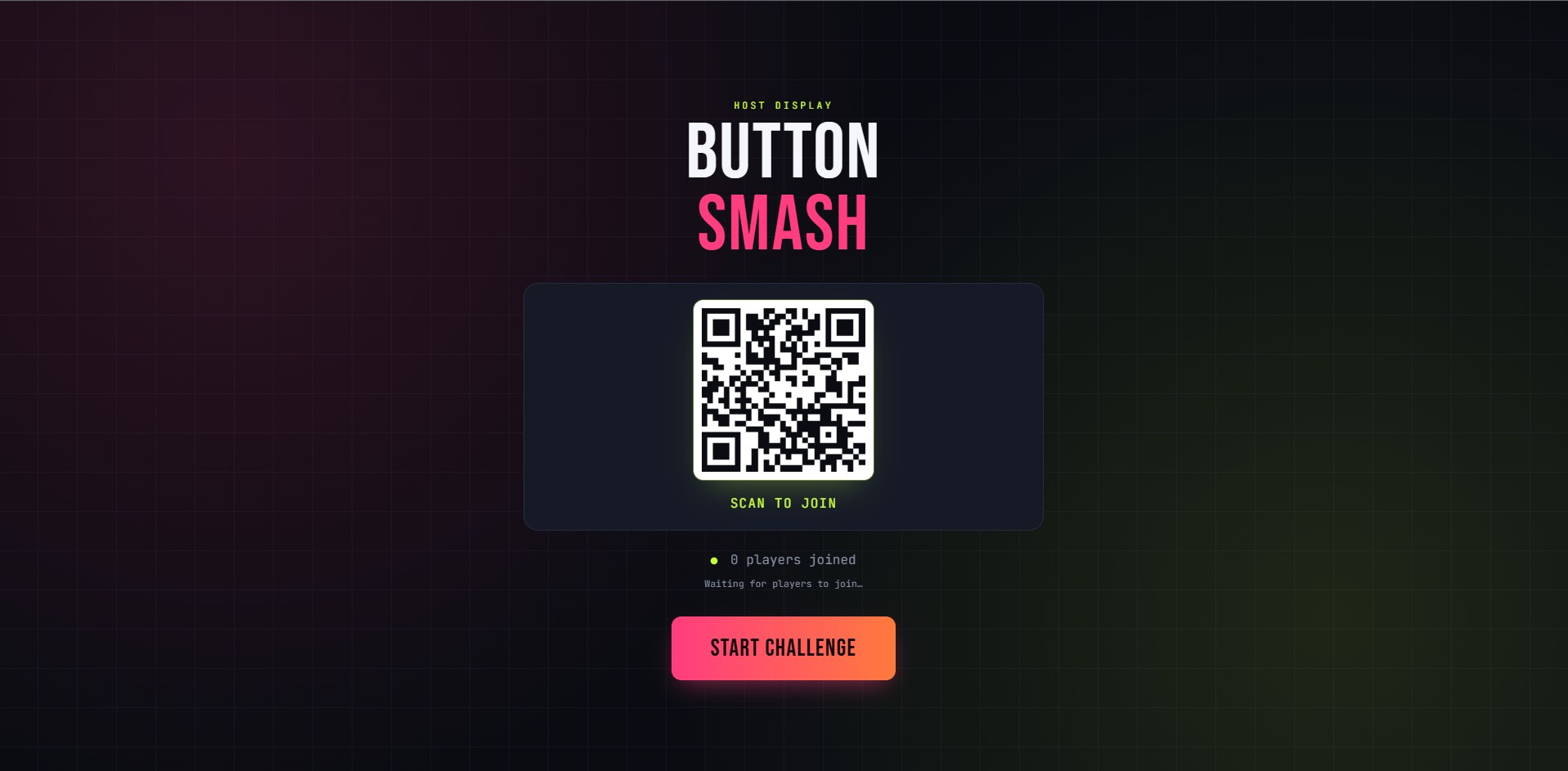
Team Button Smash Challenge
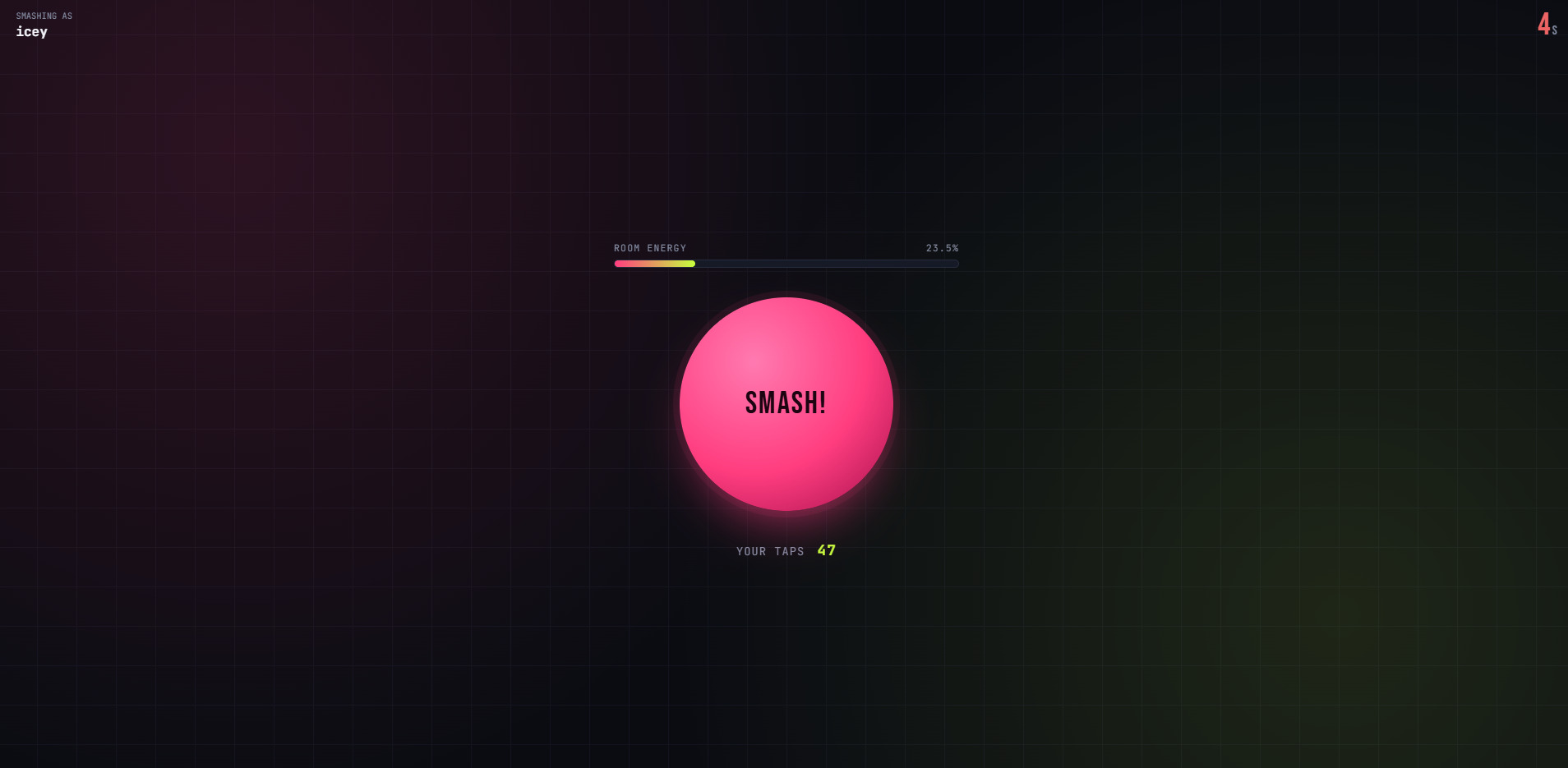
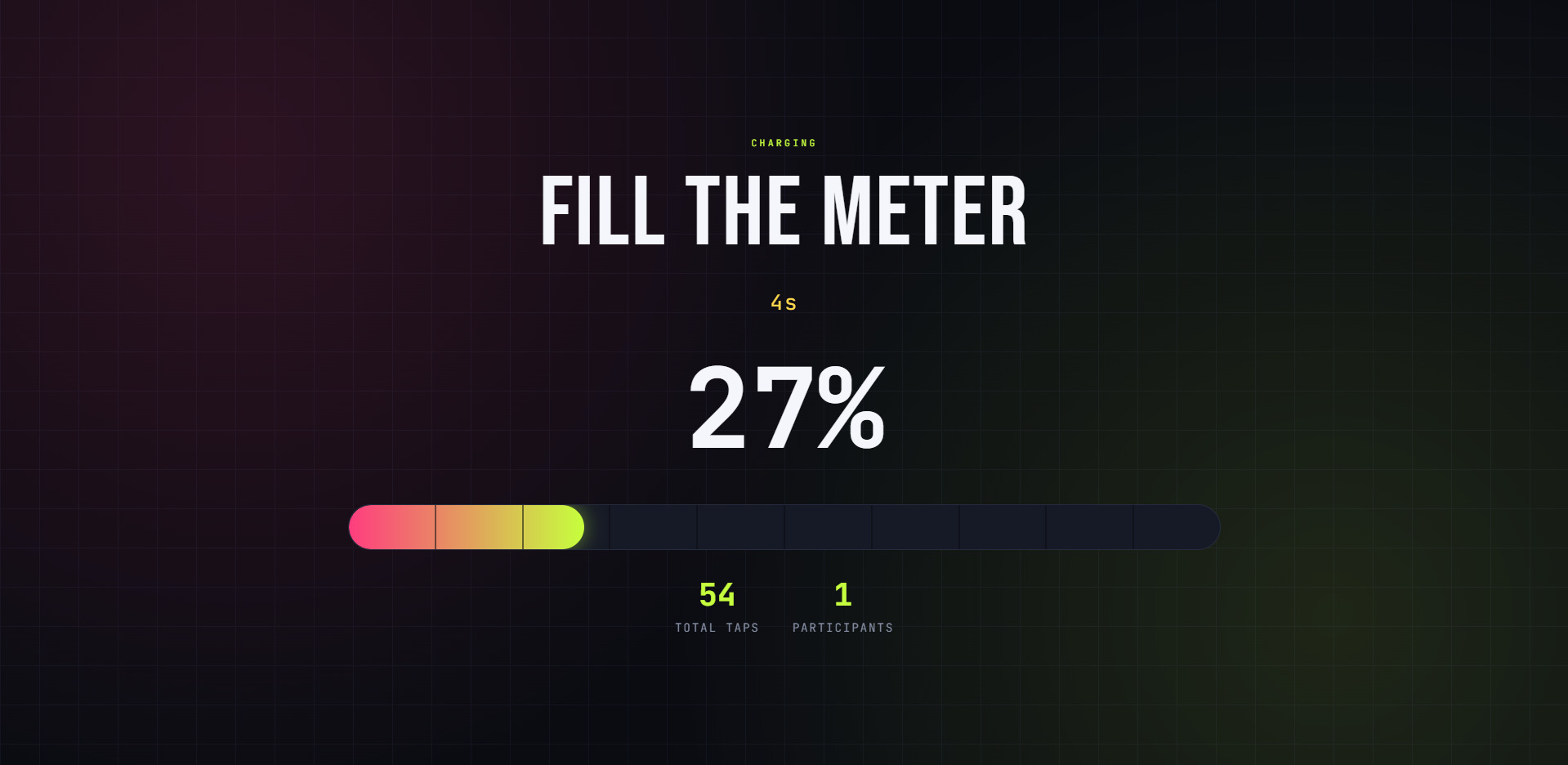
A whole-room game where guests tap button on phone rapidly to fill progress bar on main stage screen.
Best for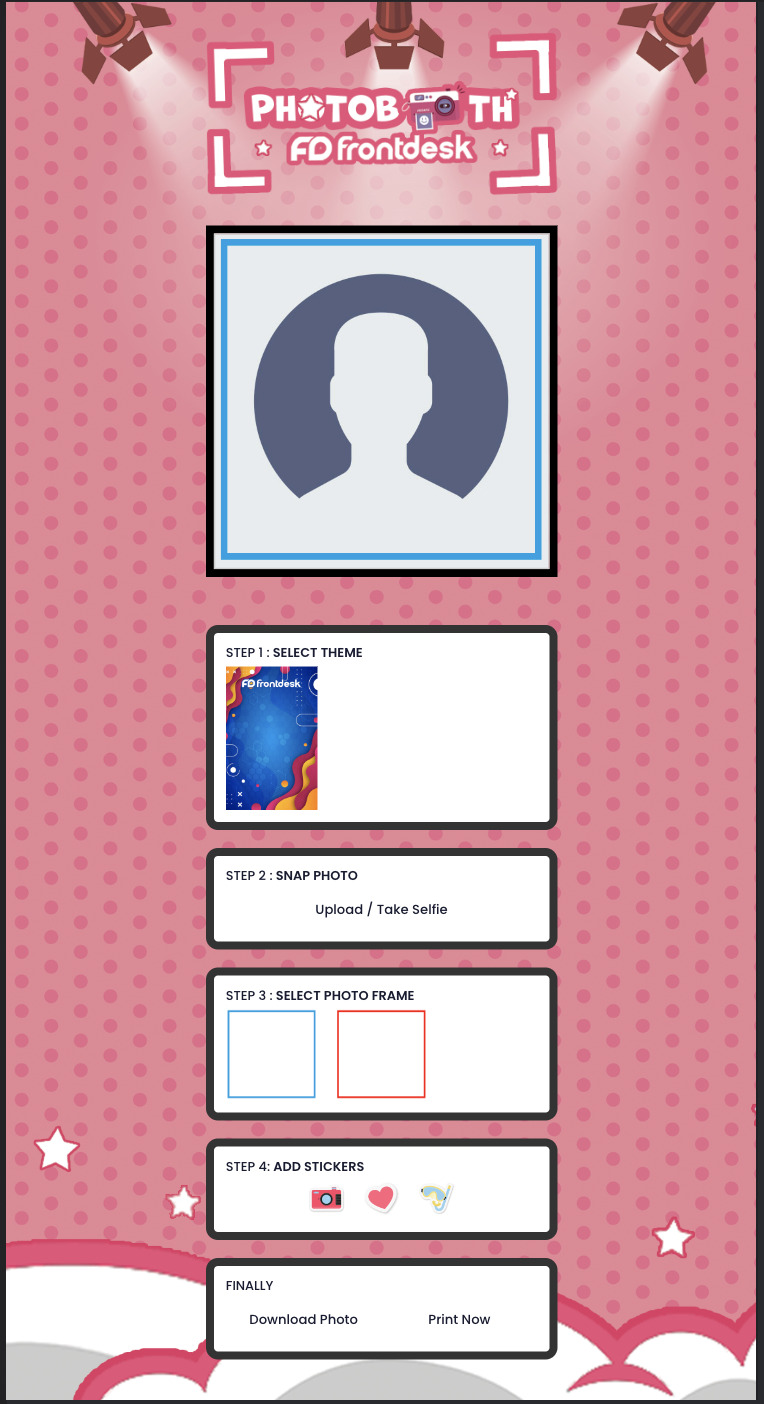
AI Smart Photo Booth
A digital photo booth using Artificial Intelligence to put guests into custom dinner theme backgrounds or funny costume templates.
Best for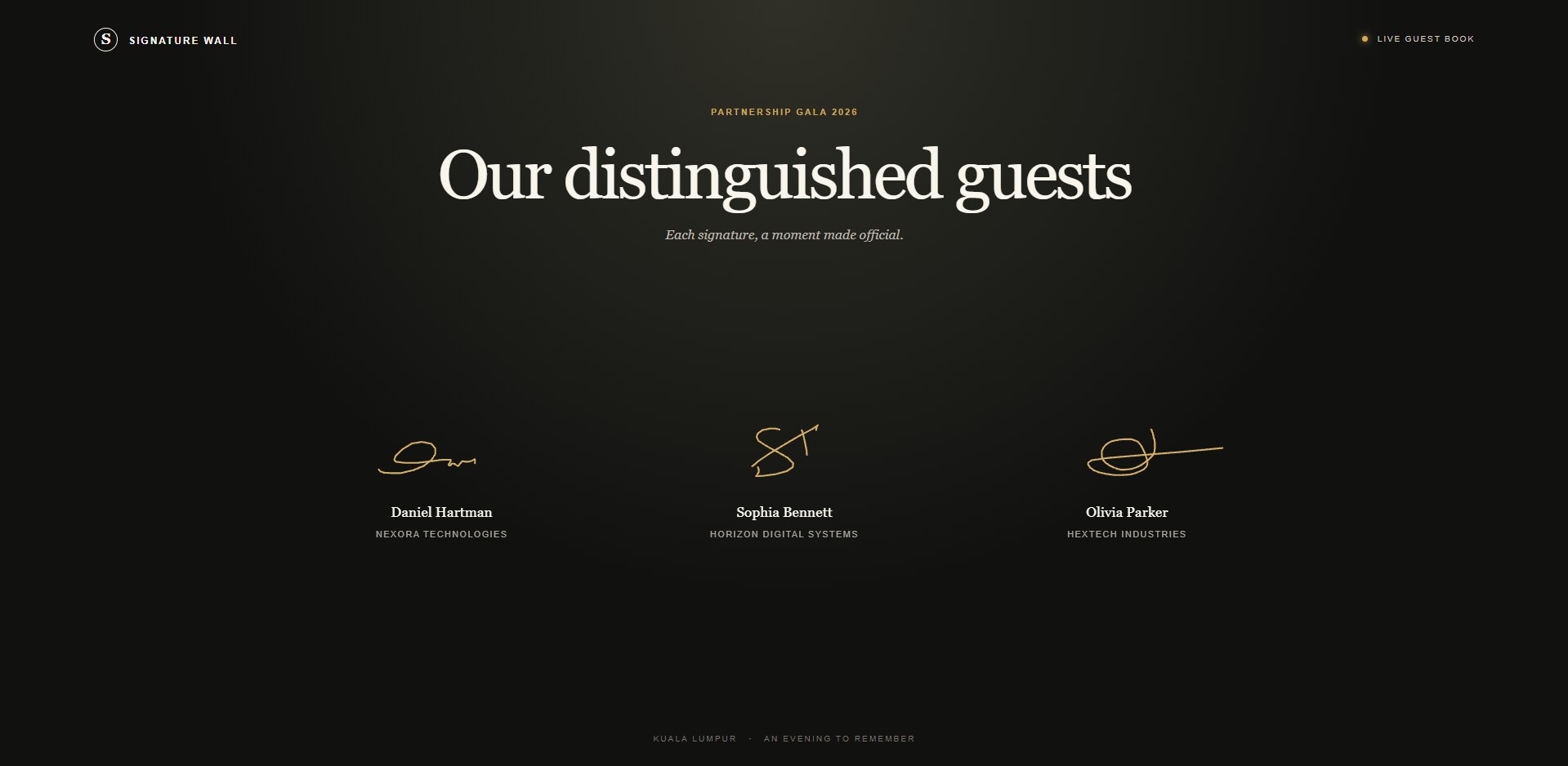
Digital Signature & Foyer Check-In Wall
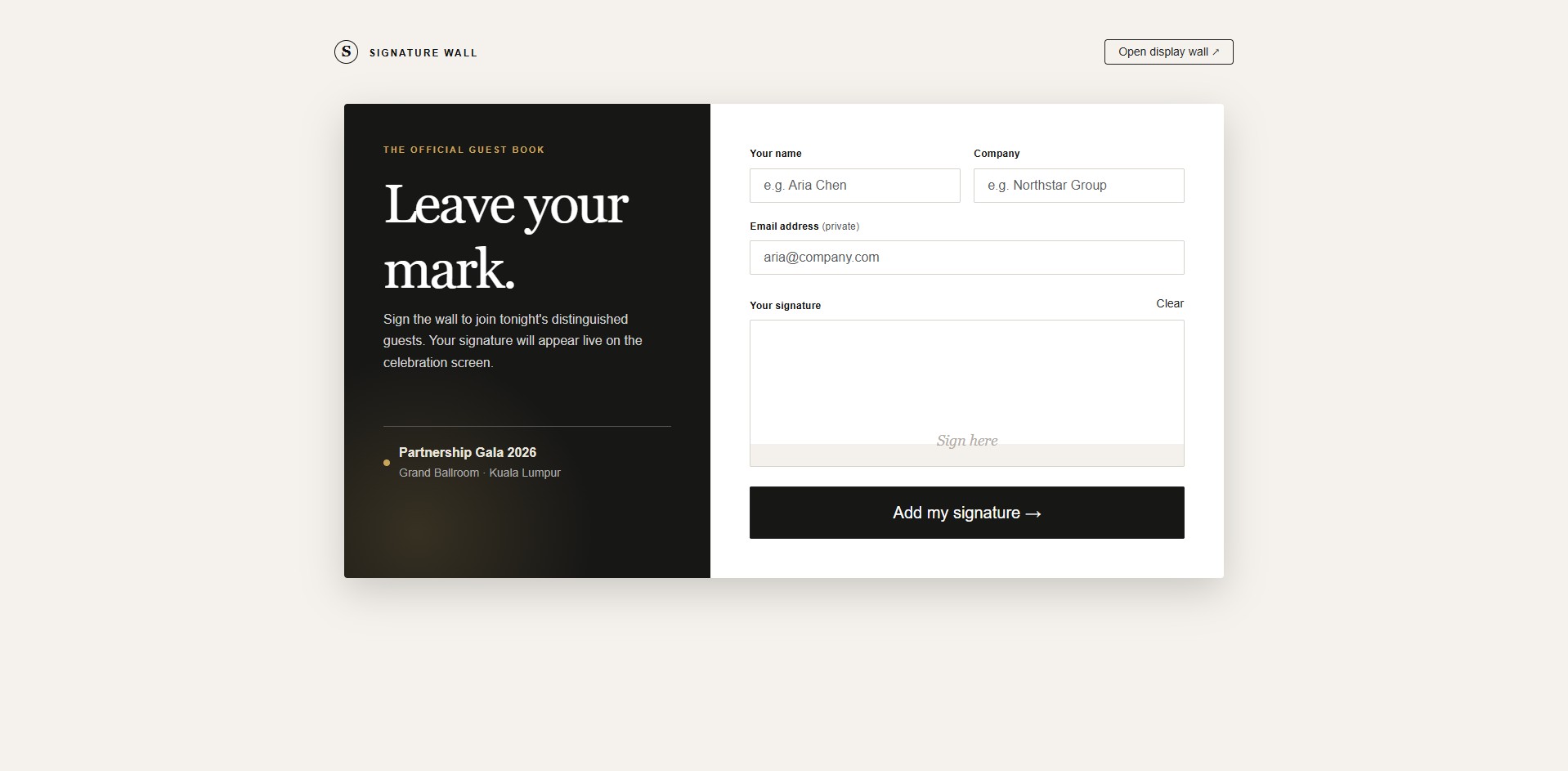
Guests write signature or well-wishes on touchscreen tablet at foyer counter before entering main dinner hall.
Best for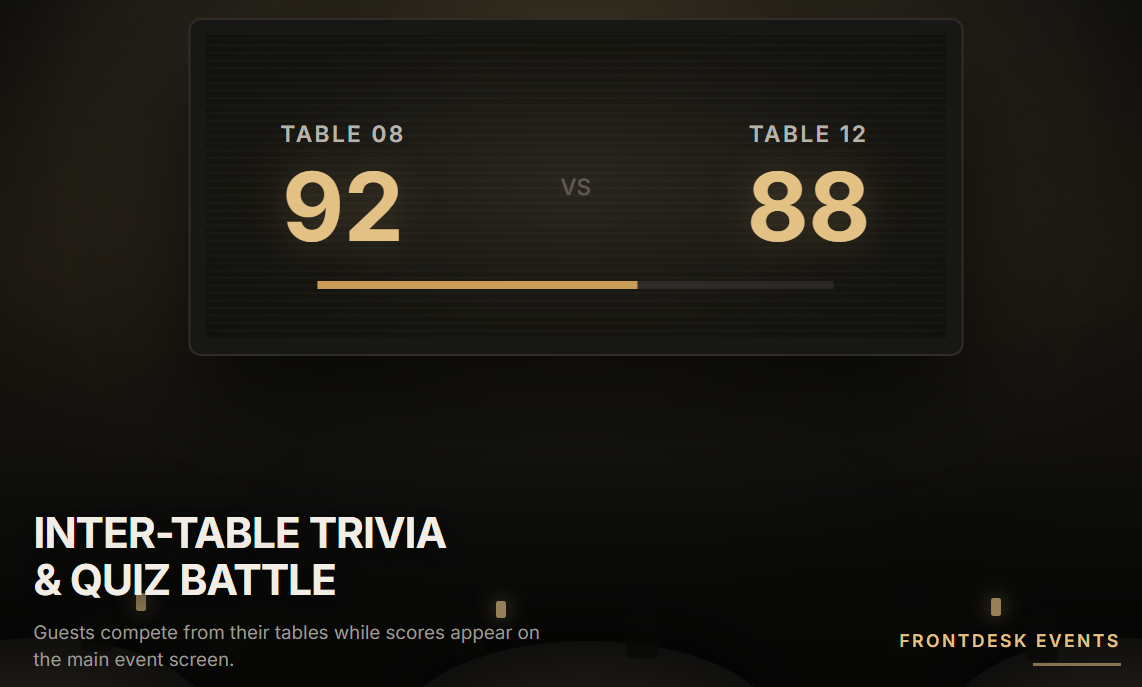
Inter-Table Trivia & Quiz Battle
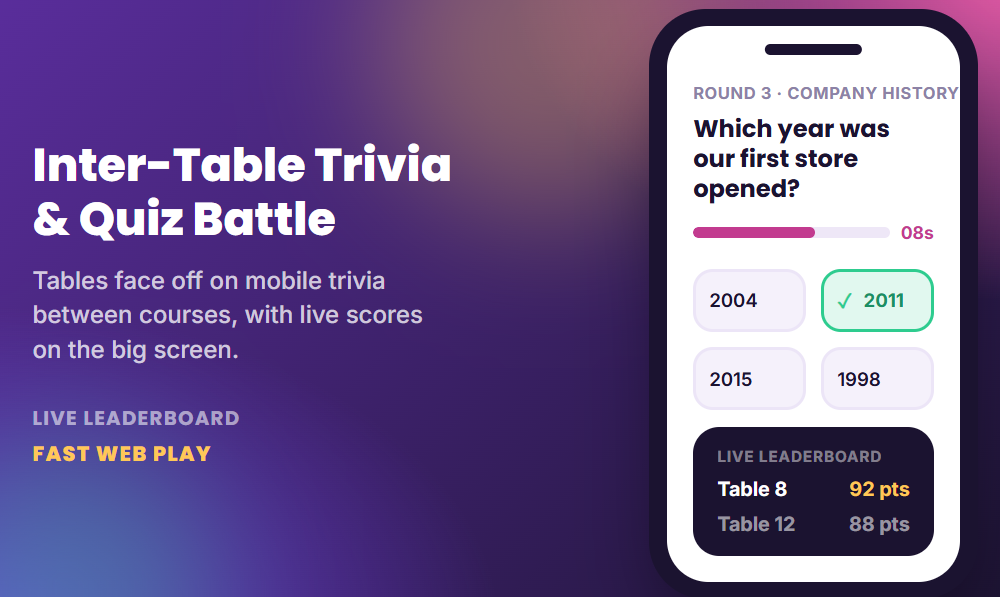
A fun trivia game played on mobile phones where dinner table groups answer company facts and industry questions between meal courses.
Best for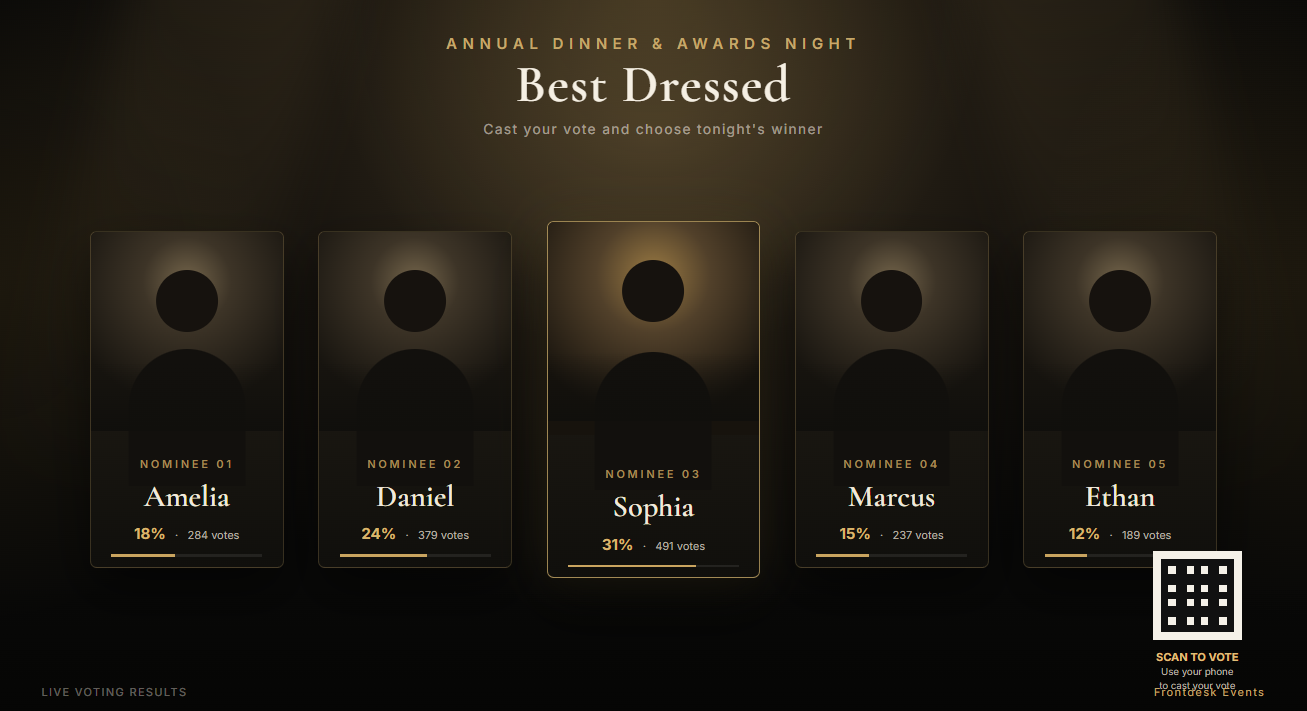
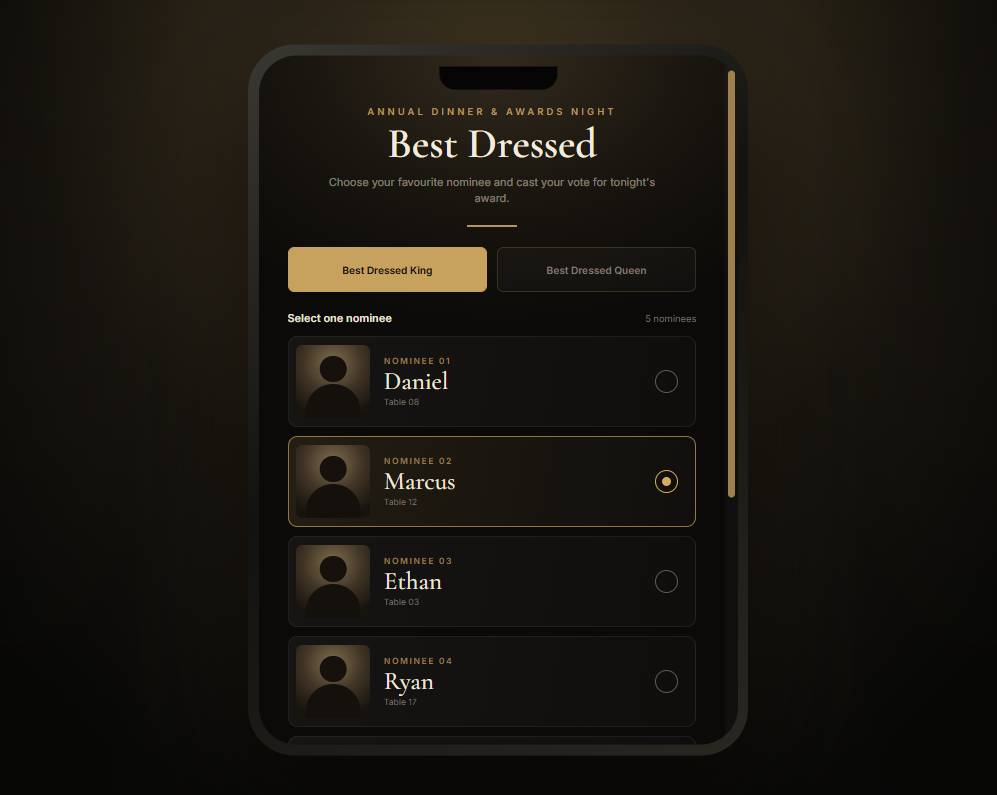
Best Dressed Live Voting System
An instant mobile polling tool where guests scan QR code to vote for Best Dressed King and Queen nominees on stage.
Best for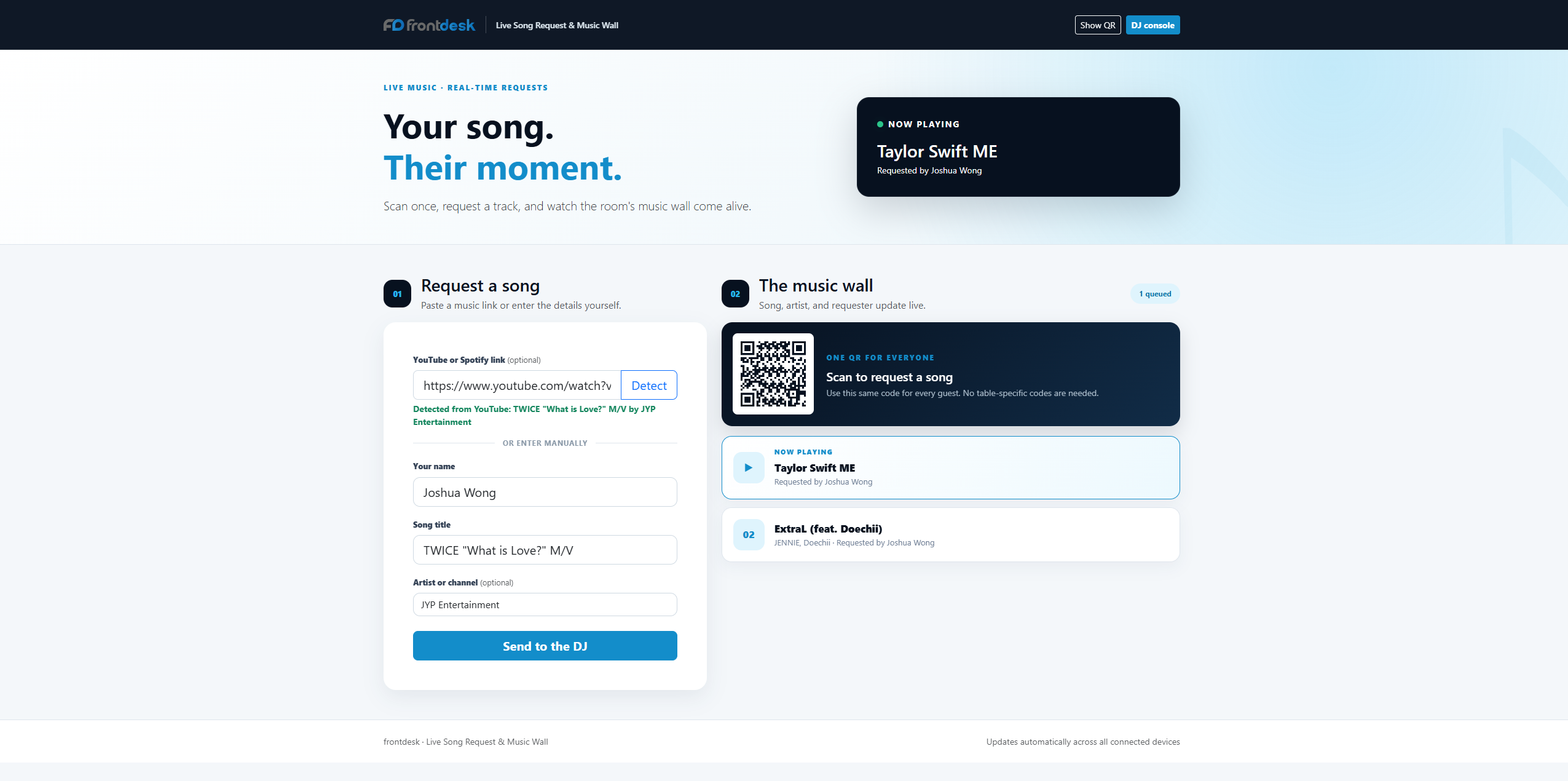
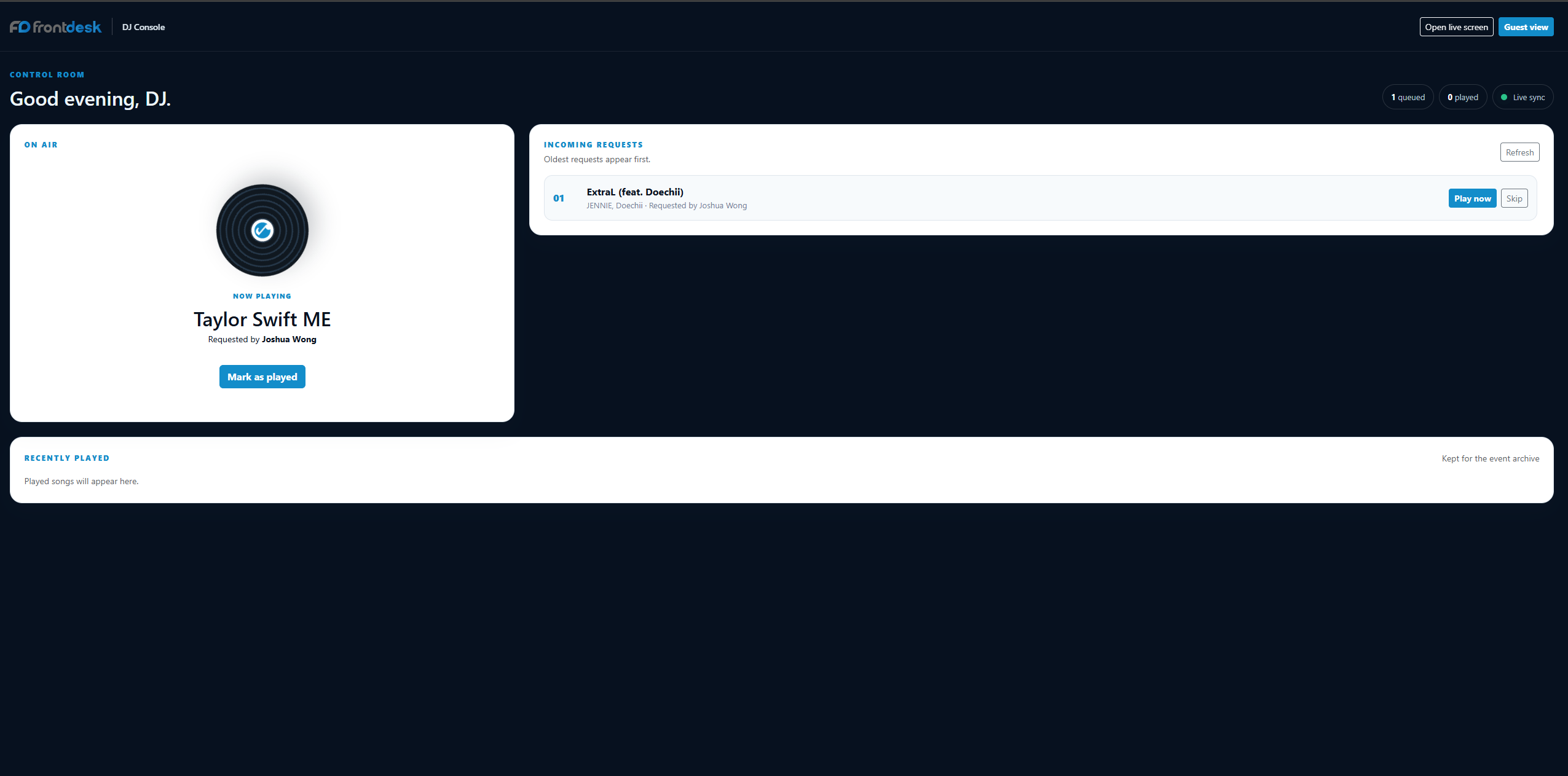
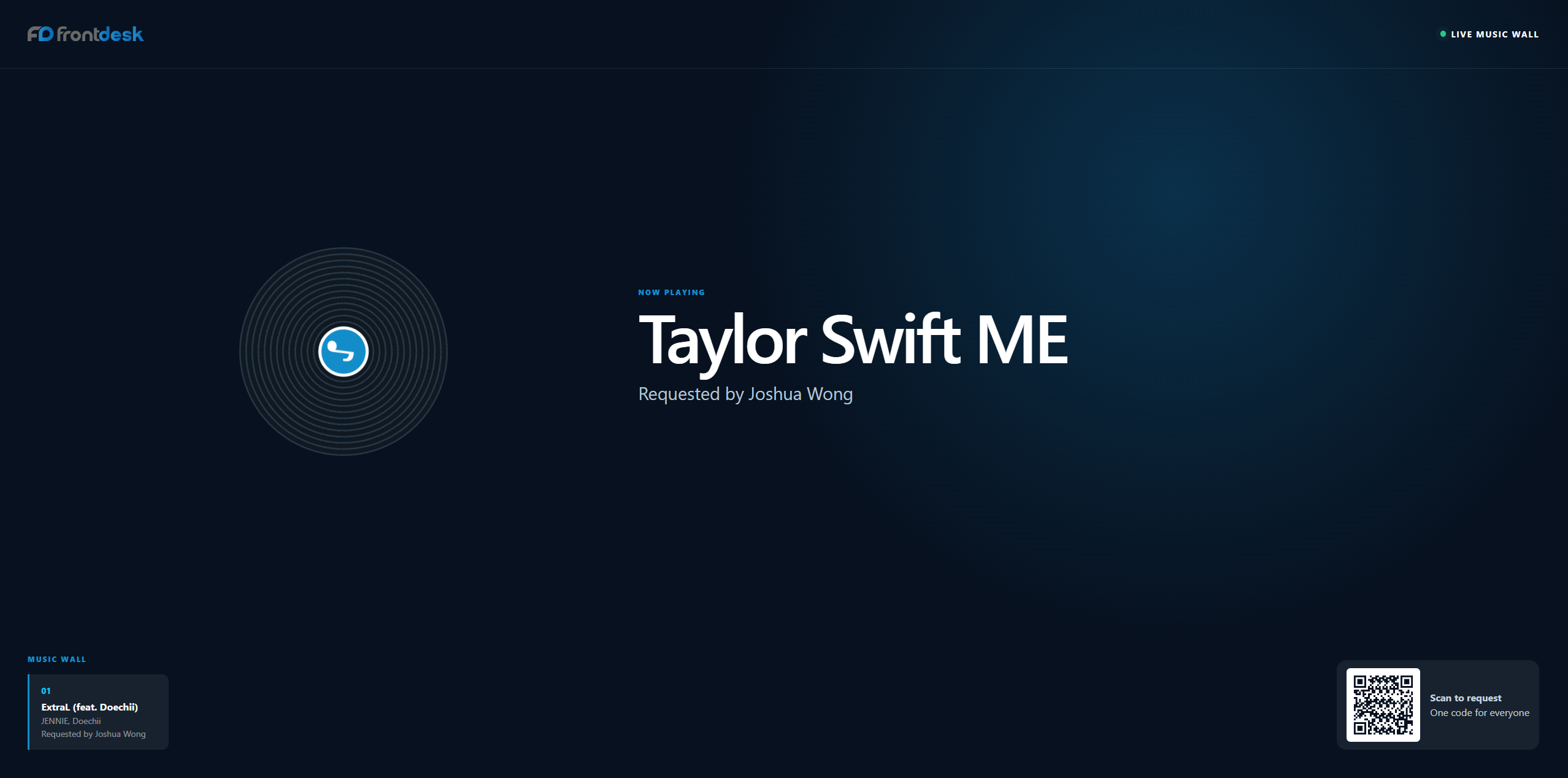
Live Song Request & Music Wall
A mobile web portal where guests scan table QR code to submit song requests and dedication notes to event DJ.
Best for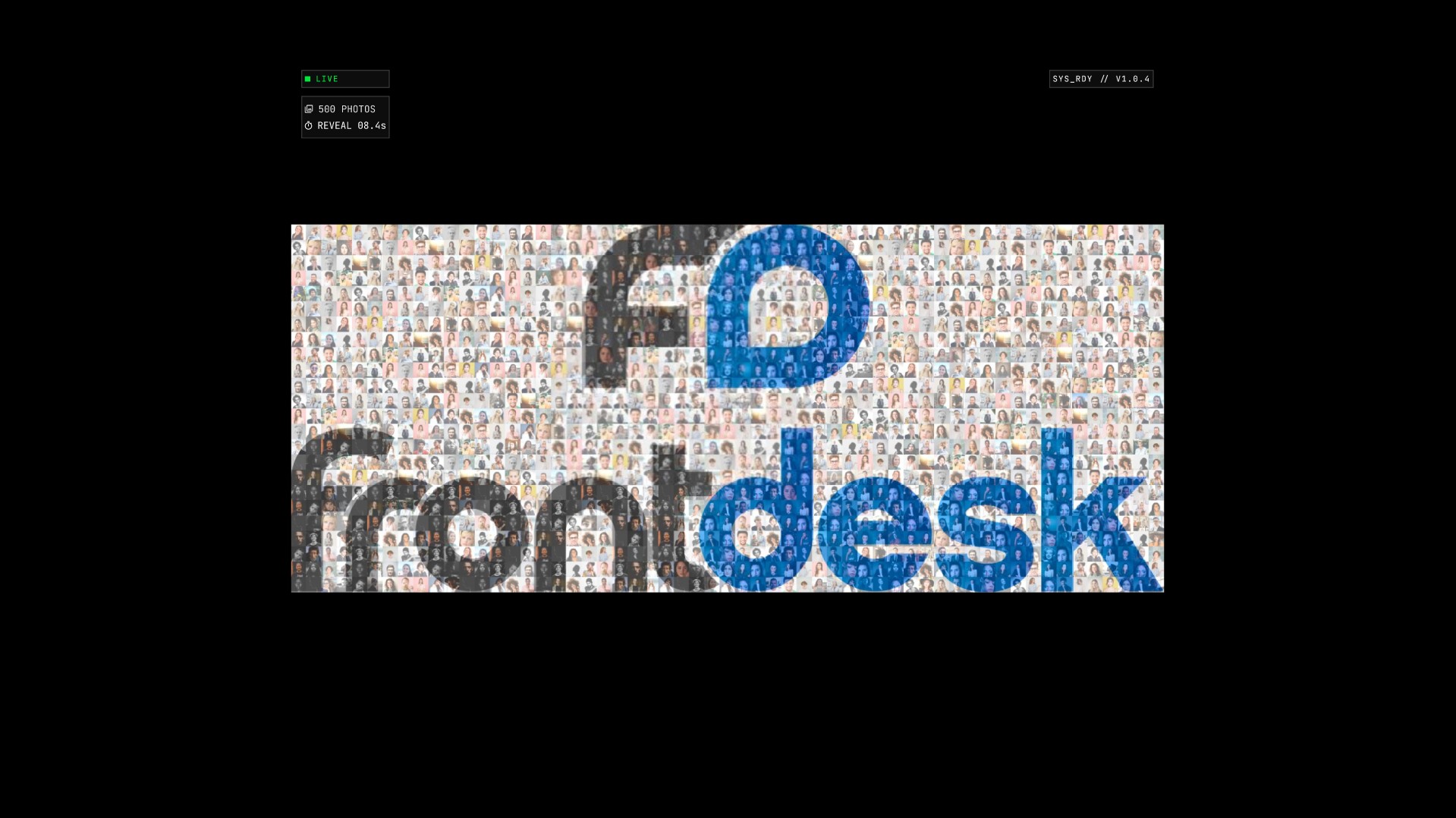
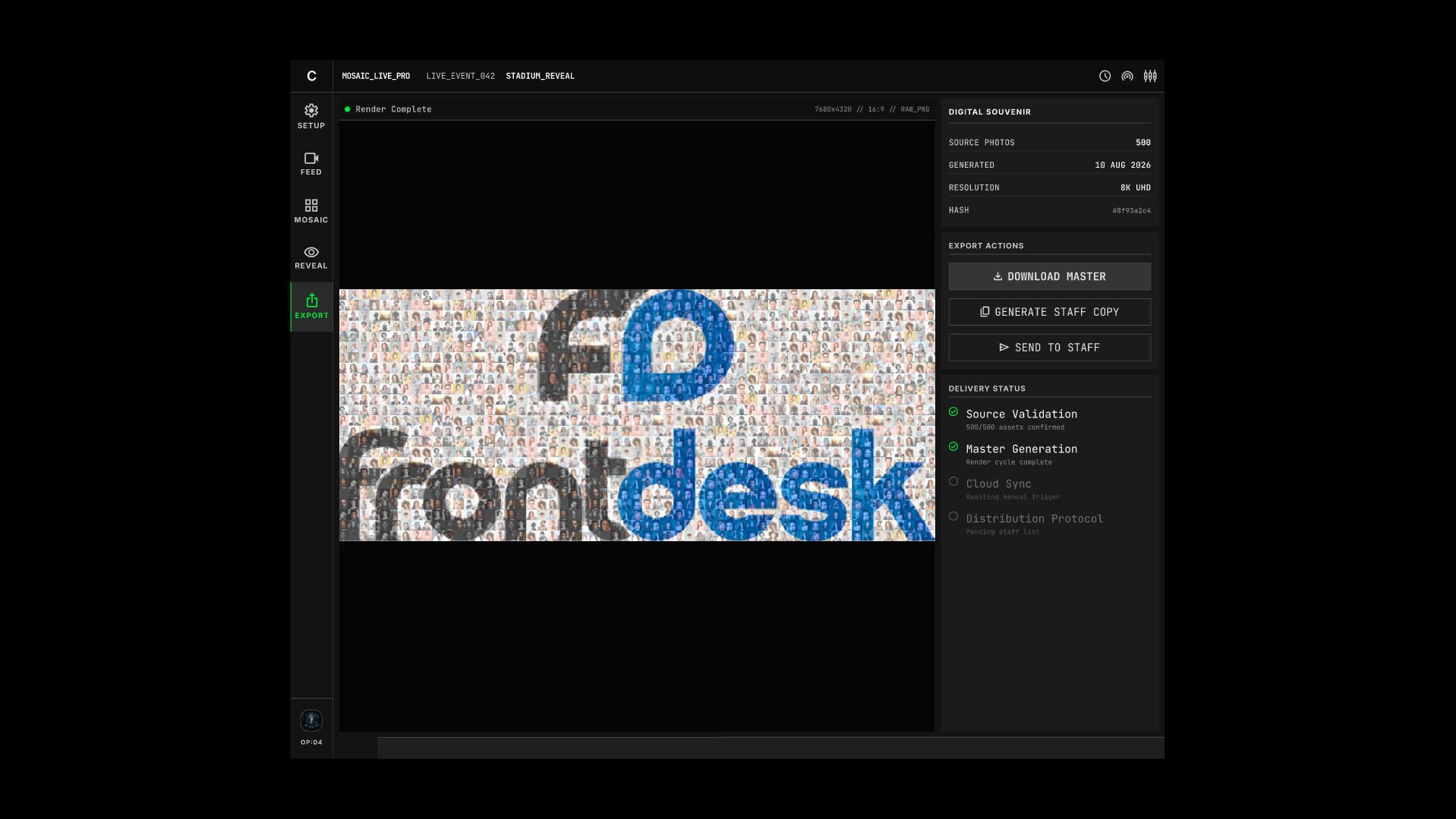
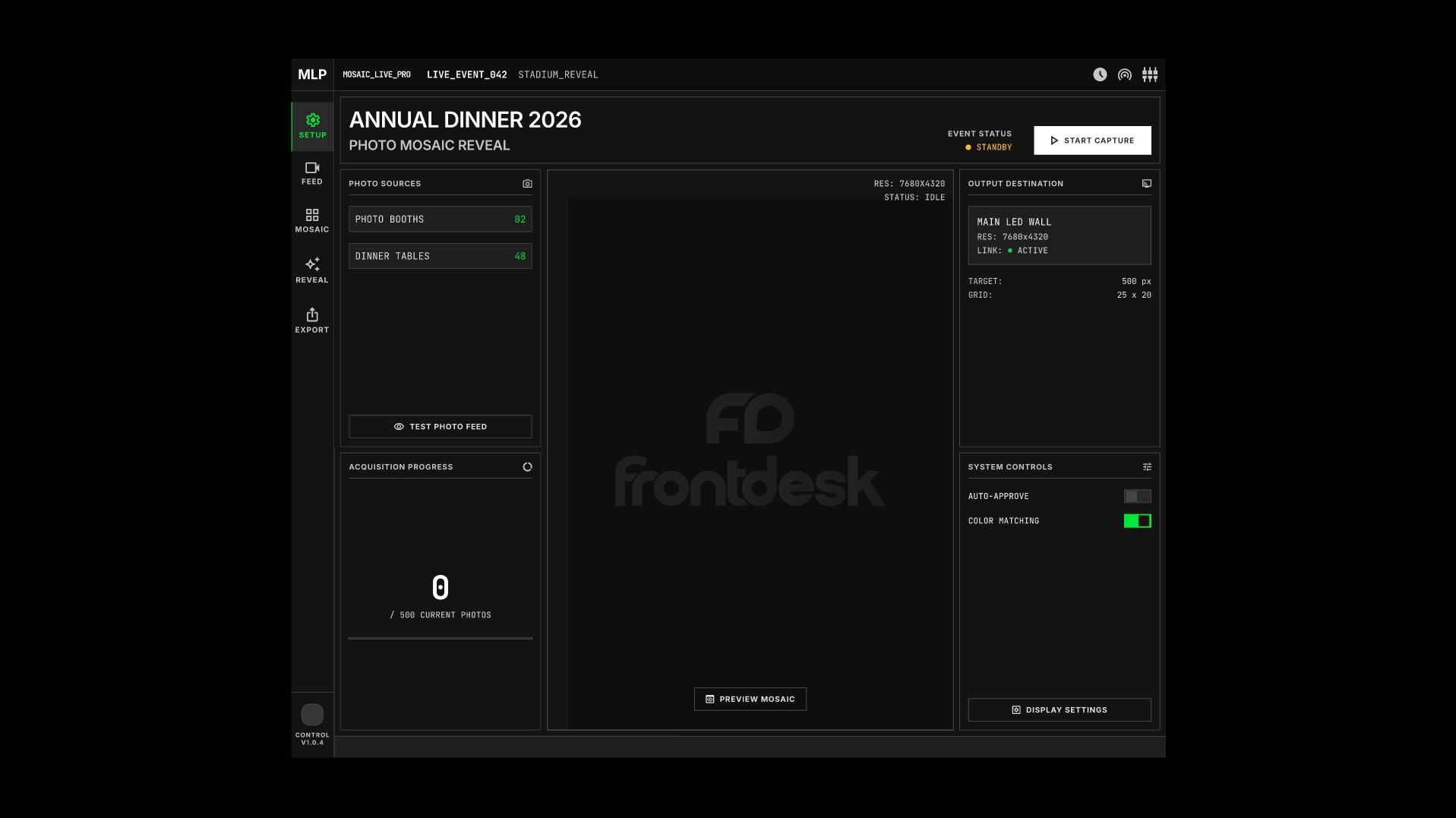
Instant Photo Mosaic Logo Reveal
A digital screen system that compiles all photos taken at photo booth and dinner tables to build giant company logo.
Best for
No technologies match your search. Please try another keyword.
Where it is used
Company annual dinners in hotel ballrooms
The lucky draw runs on the stage screen from the list of staff who actually checked in, so every winner is in the room.
Table games between departments
Tables compete in quizzes and button-smash rounds from their own phones, with live scores on the big screen.
Best dressed and live voting
Guests vote from their phones and the result appears on screen as soon as voting closes.
Connect the parts of the workflow that should work together.
- Our annual dinner platform integrates with your HR employee list and event registration database.
- After the event, export lucky draw records, photo downloads and message archives for reporting and follow-up.
- For guest sign-up and arrival, combine this with our Event Registration and Check-In & Badge Printing.