IoT Device Integration
Connect RFID readers, NFC devices, AI cameras, sensors and vending machines to one dashboard.
Discuss your workflow- RFID and NFC Asset Tagging
- AI Camera and Number-Plate Recognition
- Connected Vending Machine Integration
- Centralised Device Monitoring Dashboard
Sound familiar?
When devices work alone and their data goes nowhere
Manual Data Collection
Staff spend valuable time recording information on paper or entering it into spreadsheets because equipment cannot transfer data directly to the central system.
Fragmented Hardware Systems
Sensors, RFID readers and cameras operate independently, preventing managers from seeing a complete view of business operations.
Delayed Detection of Equipment Issues
Equipment failures and sensor faults may go unnoticed until operations are disrupted or customers report a problem.
Limited Asset Location Tracking
Tools and assets may be moved between rooms, offices or sites without a movement record, increasing the risk of misplaced equipment.
Clear skies ahead
IoT integrations we deliver
RFID and NFC Asset Tagging
Attach electronic tags to tools or inventory so staff can identify and record multiple items using compatible handheld readers.
AI Camera and Number-Plate Recognition
Use compatible cameras to read vehicle number plates, monitor movement and record entry events automatically.
Connected Vending Machine Integration
Integrate vending or beverage-dispensing equipment with registration, entitlement or payment workflows so products can be released automatically when defined conditions are met.
Centralised Device Monitoring Dashboard
Monitor device status, review active alerts and generate usage reports through one web-based dashboard.
Custom API and Hardware Gateway Integration
Connect existing machinery and third-party systems through APIs or hardware gateways, allowing data to move between components without replacing the entire setup.
Try it yourself
Switch the devices on
Tap a device to bring it online. Every device you connect reports to one dashboard.
Your flight plan
Four Steps from Hardware Assessment to Live Monitoring
- 1
Assess Hardware and Operational Requirements
We review the machines, RFID equipment and sensors you already use and identify any additional hardware required.
- 2
Design the Integration and Data Flow
Our team defines how data will move between devices, software, business rules and the monitoring dashboard.
- 3
Connect and Test the Devices
We integrate the software with the hardware, test data transmission and confirm that alerts and backup procedures operate correctly.
- 4
Train Staff and Launch the System
We train your team to use the dashboard, monitor device status and respond to operational alerts.
A closer look at the process
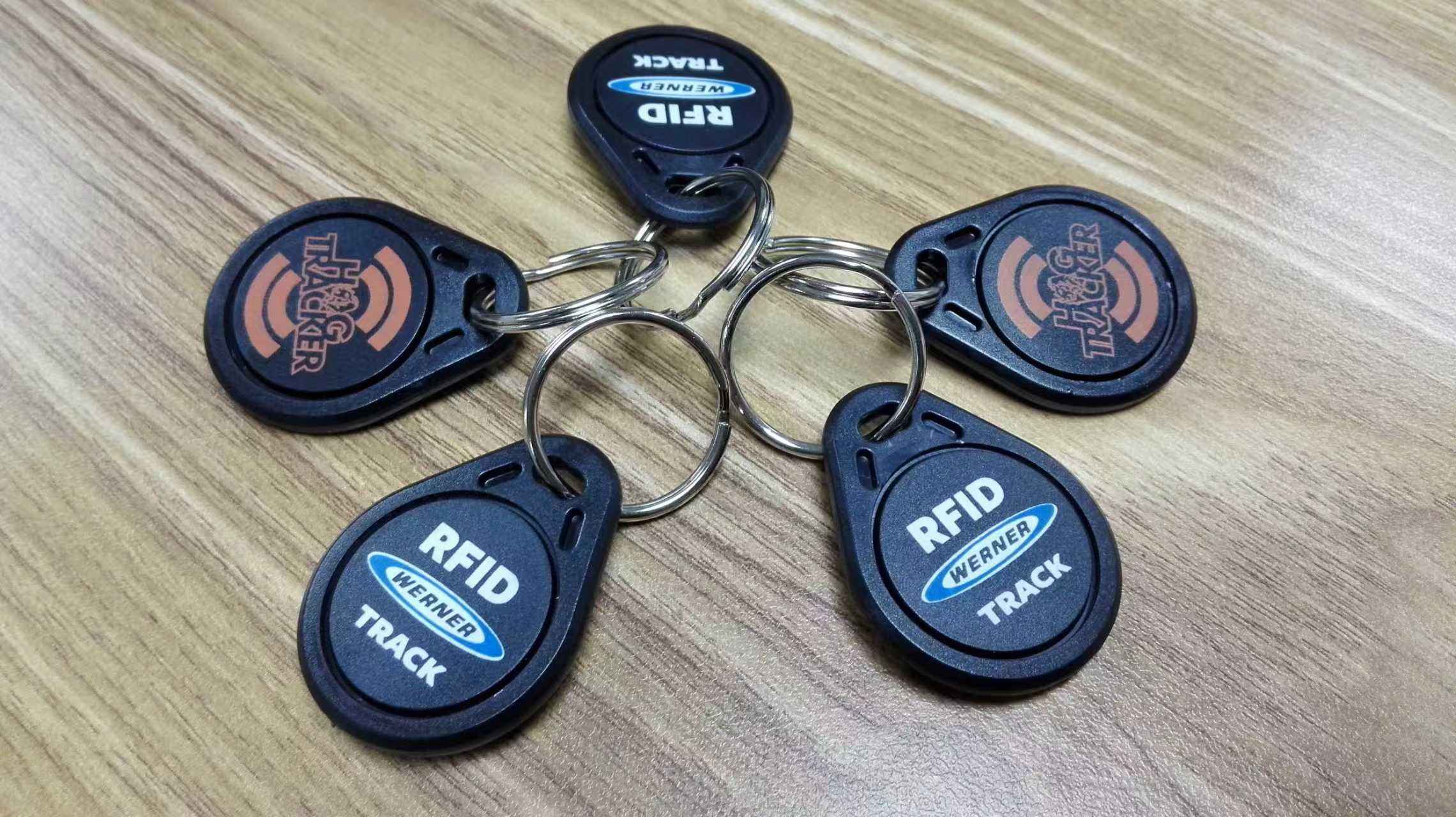
No manual logging, equipment status in real time
Automated Data Capture
Data is transferred directly from connected sensors and devices to the central database, reducing manual recording.
Real-Time Operational Alerts
Receive notifications by email or on supported mobile devices when monitored conditions require attention.
Centralised Device Visibility
Monitor connected machines, cameras and access-control sensors from one dashboard.
Where it is used
Car parks, workshops and gated sites
AI cameras read number plates and log each vehicle as it arrives.
Facilities with many devices
Readers, sensors and machines report to one dashboard, so their status is visible in one place.
Vending and reward machines
A vending machine is connected to a campaign, so it dispenses when a valid QR code is scanned.
Connect the parts of the workflow that should work together.
- Our IoT platform can integrate with compatible RFID readers, NFC devices, AI cameras, smart locks, environmental sensors and cloud databases through secure APIs or hardware gateways, allowing physical devices to communicate with your core business systems.
- For custom automation or hardware integration not listed here, see our Custom Software Development.