Exhibitor lead scanning app in Malaysia
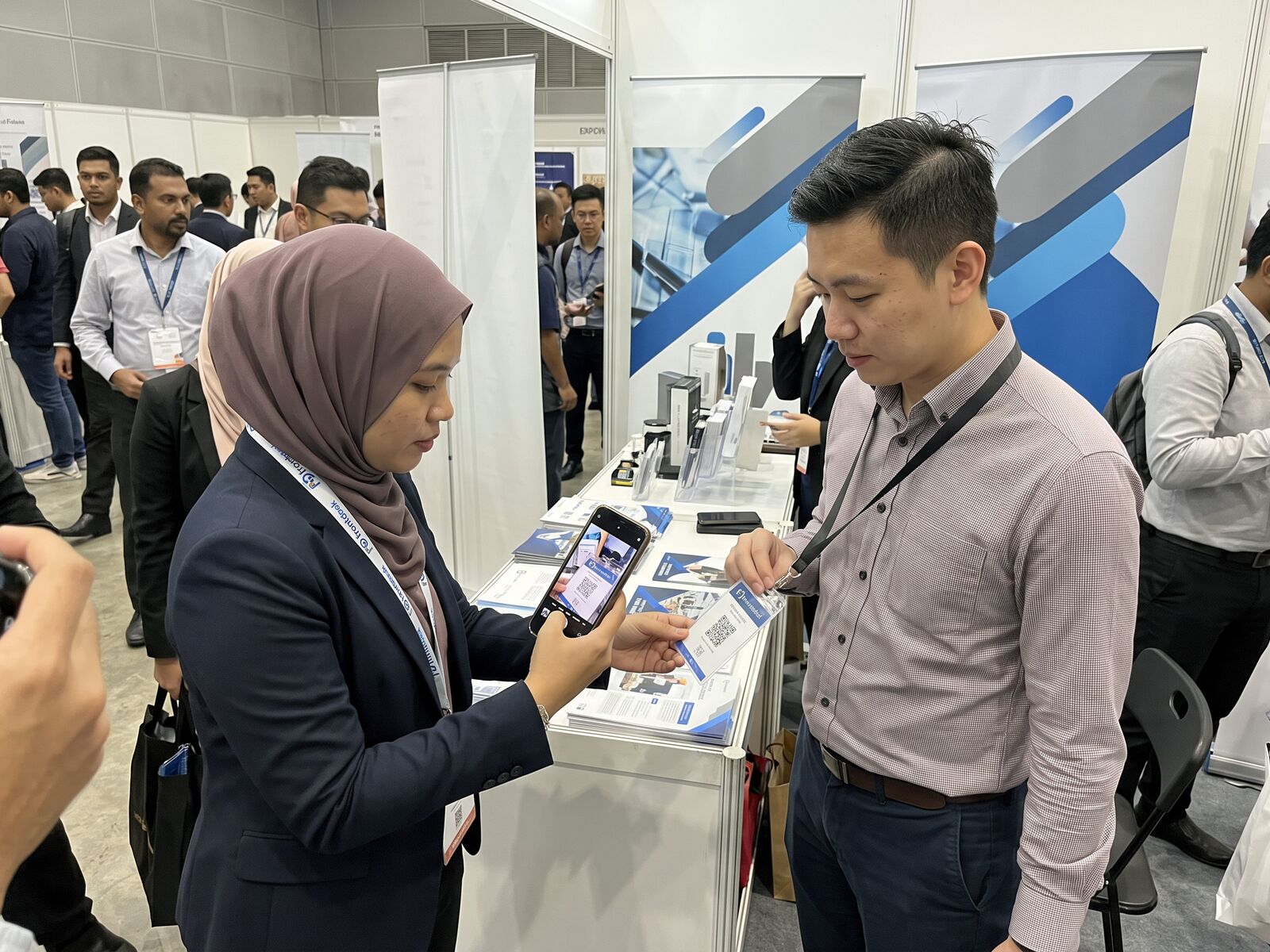
Exhibitors scan a visitor's badge with their phone, swipe right for a hot lead or left to pass, and add a quick note. Their sales team gets the list in Excel during the show.
No more name cards in a fishbowl
Every visitor scanned at the booth becomes a lead with full contact details.
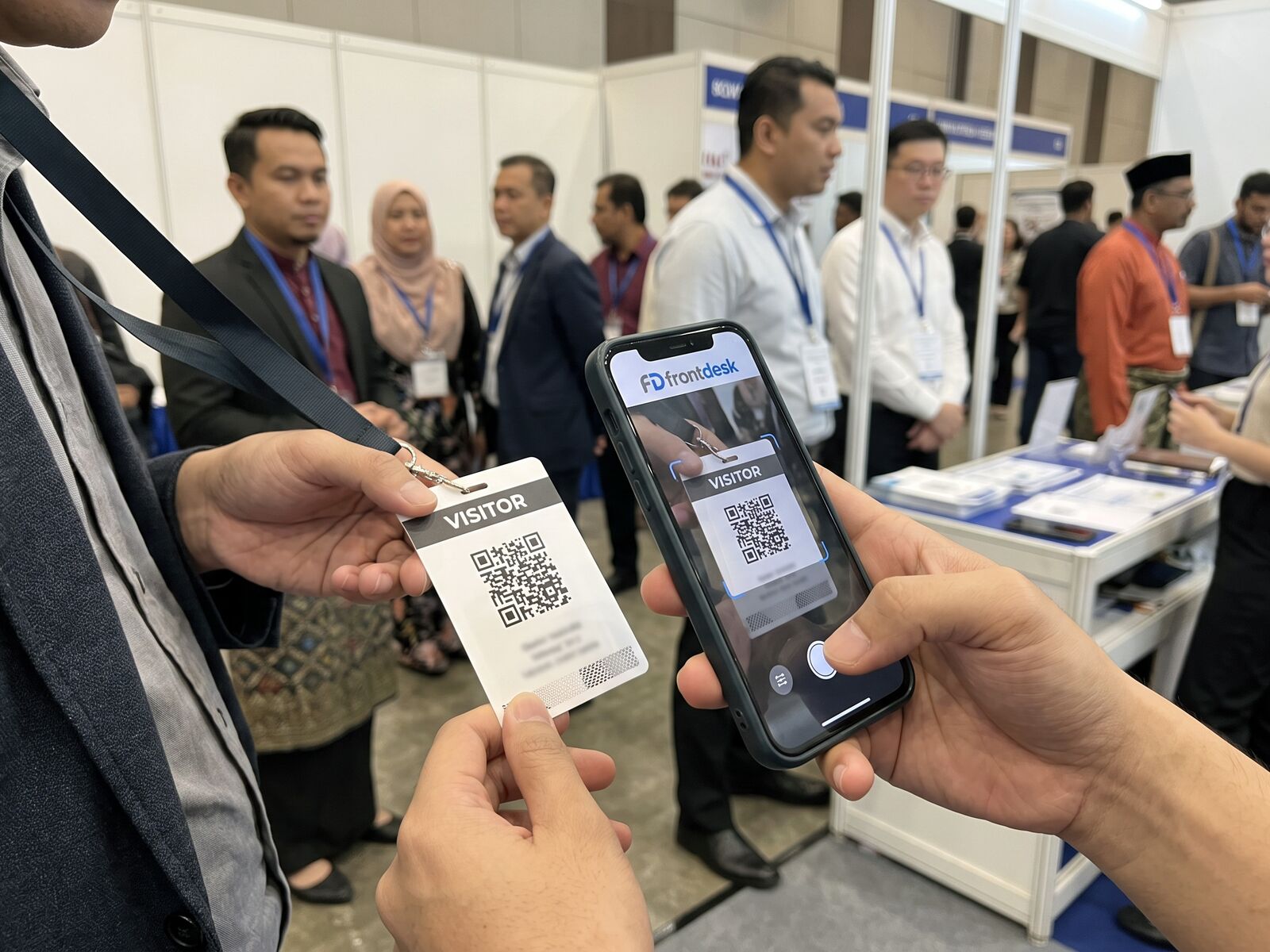
Scan the badge, get the full contact
The exhibitor's staff scan the QR on the visitor's badge with their phone. The visitor's name, company, job title and contact details appear at once.
- Works in the phone browser, no app to install
- Several staff per booth, each with their own login
- Visitor details come from the registration, so they are complete
Swipe to sort, tap to note
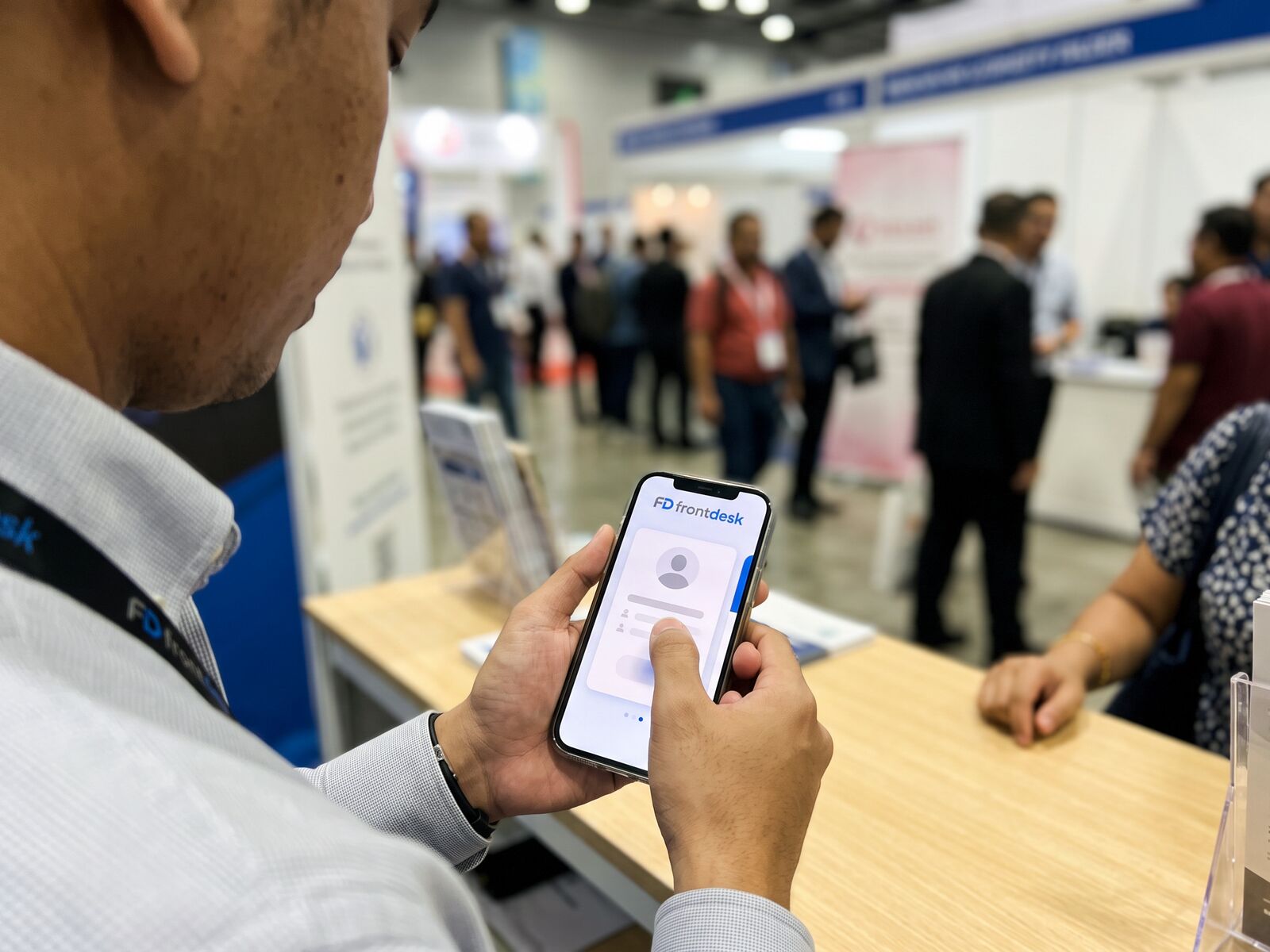
After each scan, staff swipe right for a hot lead or left to pass, tick what the visitor is interested in and add a short note.
- Hot, warm or cold in one swipe
- Interest boxes set by each exhibitor
- Quick notes while the visitor is still at the booth
Leads in Excel before the show ends
Exhibitors download their leads any time, already sorted, so the sales team can call the hot ones the same evening.
- Export to Excel or send to the exhibitor's CRM
- Each exhibitor sees only their own leads
- Organisers see scans per booth for their report

How it runs at the show
Before the show
- Each exhibitor gets their logins.
- They set their interest boxes.
- Staff open the scanner on their phone.
At the booth
- Scan the visitor's badge.
- Swipe right or left.
- Add a note if needed.
After each day
- Download the leads in Excel.
- Call the hot ones first.
- The organiser sees scans per booth.
Adding lead scanning to your show
- 1Set up
We link it to your visitor registration.
- 2Invite
Each exhibitor gets their logins and a one-page guide.
- 3Scan
Exhibitors scan and sort leads during the show.
- 4Export
Leads go to Excel or their CRM, and you get the booth report.
Built around your flow, not a fixed system
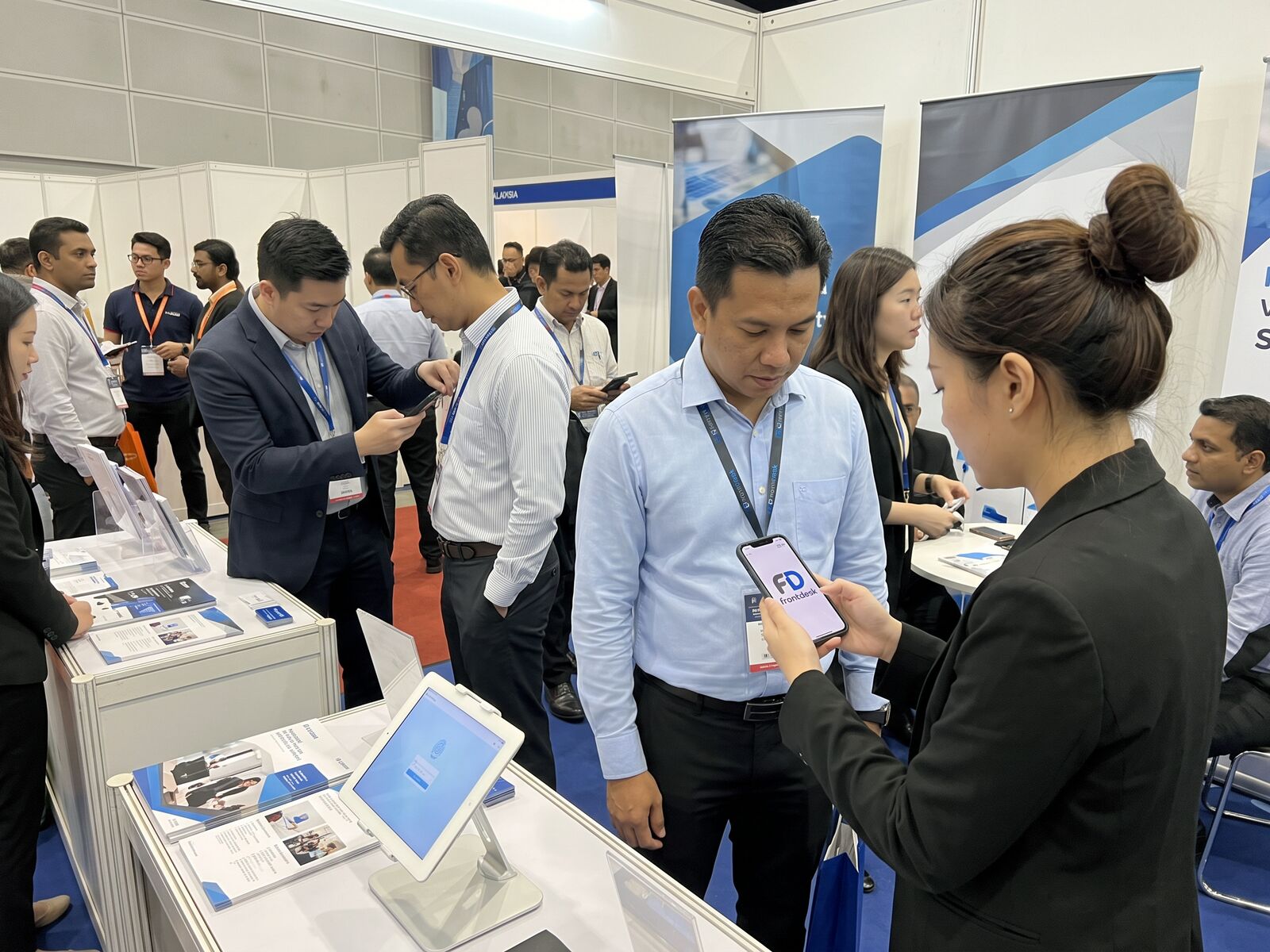
Every event runs a little differently. We set up the steps, screens and messages around how yours works, and build what is missing.
Each exhibitor chooses the interest boxes their sales team needs.
Works with the QR on badges printed by our check-in system, or your own.
Free for exhibitors, or sold as an add-on that earns you income.
Who uses it
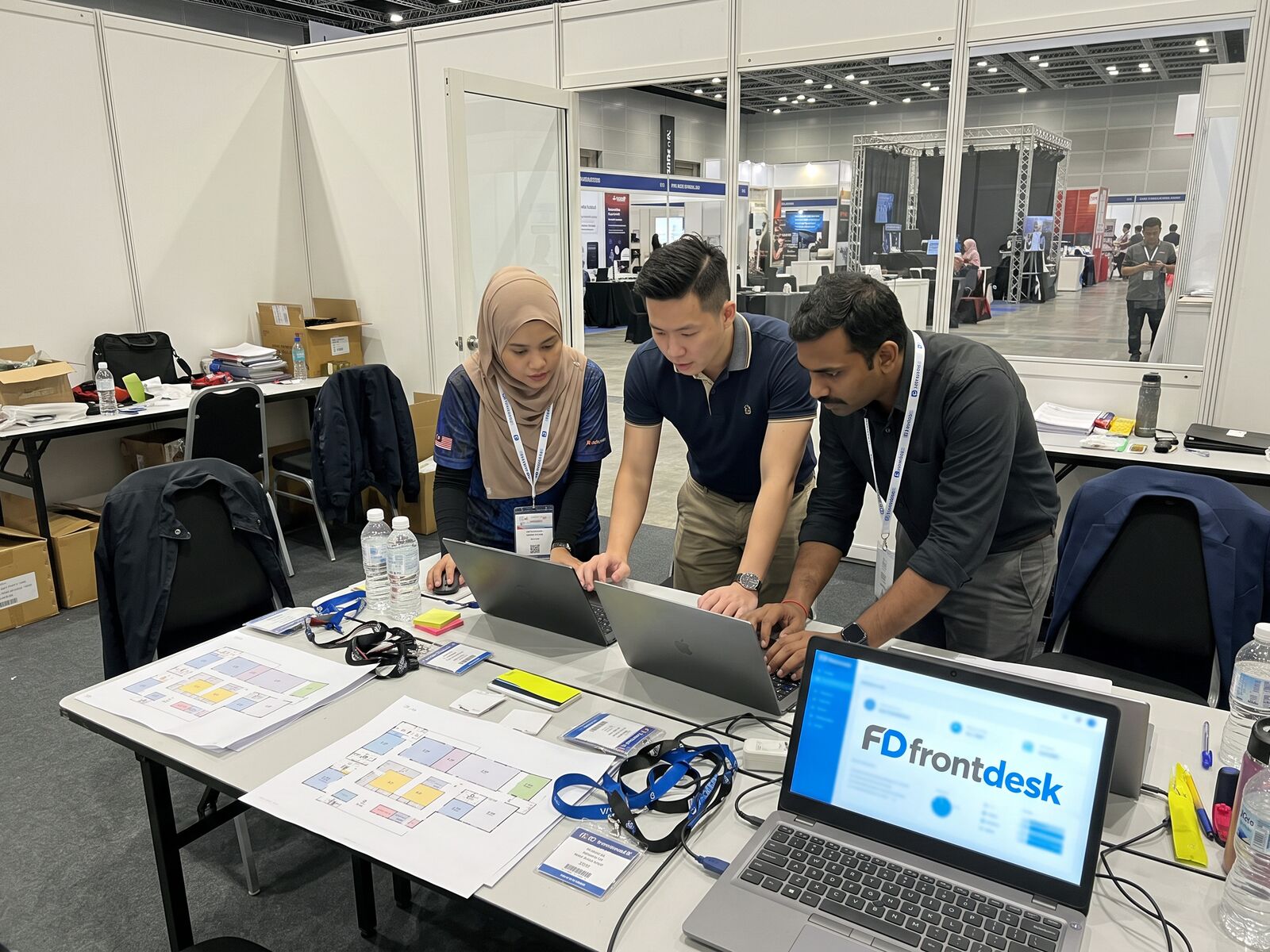
Offer lead scanning to every exhibitor, free or as a paid add-on.

Real leads instead of a bowl of name cards.
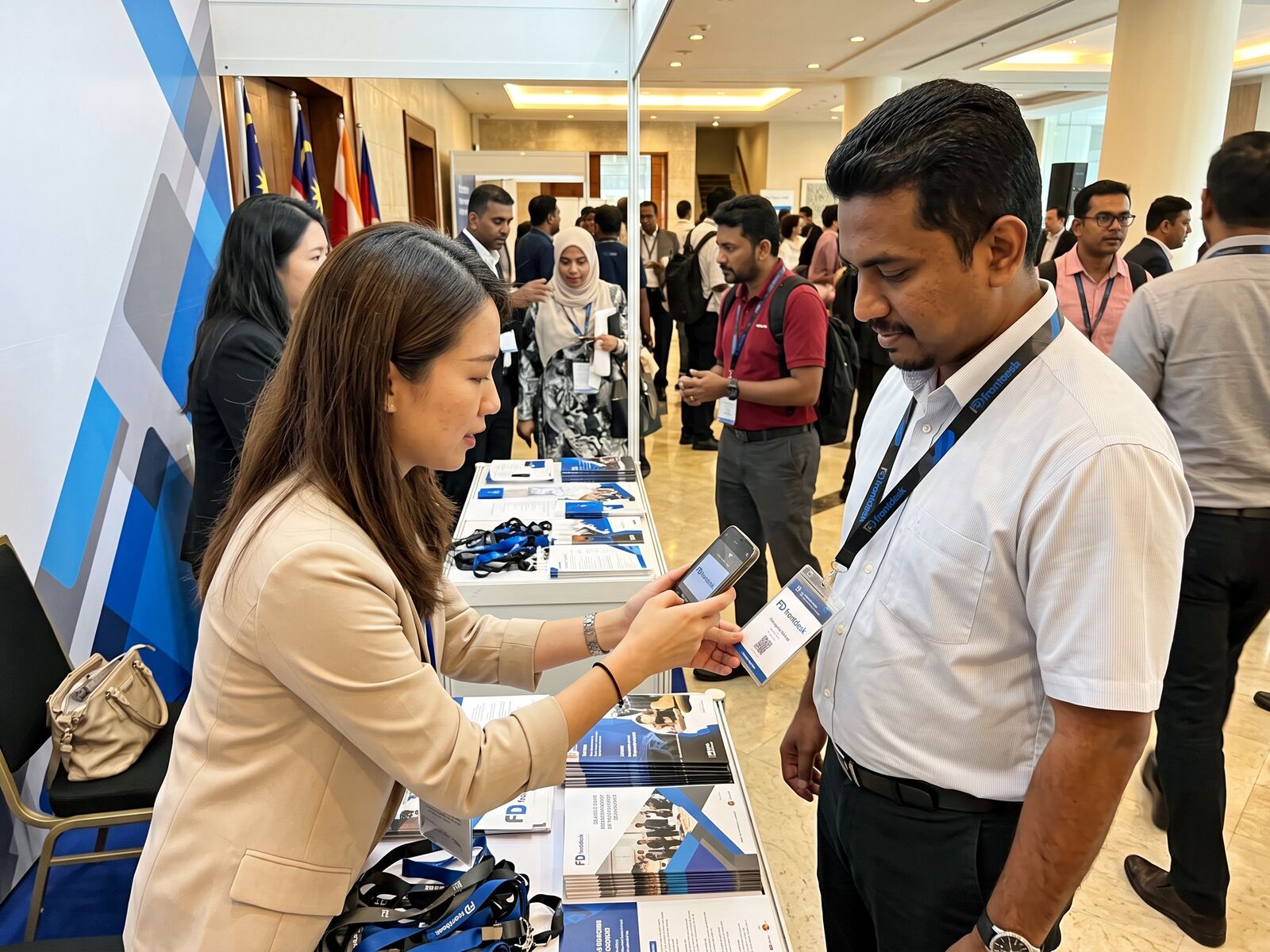
Scan delegates who visit the sponsor booth.
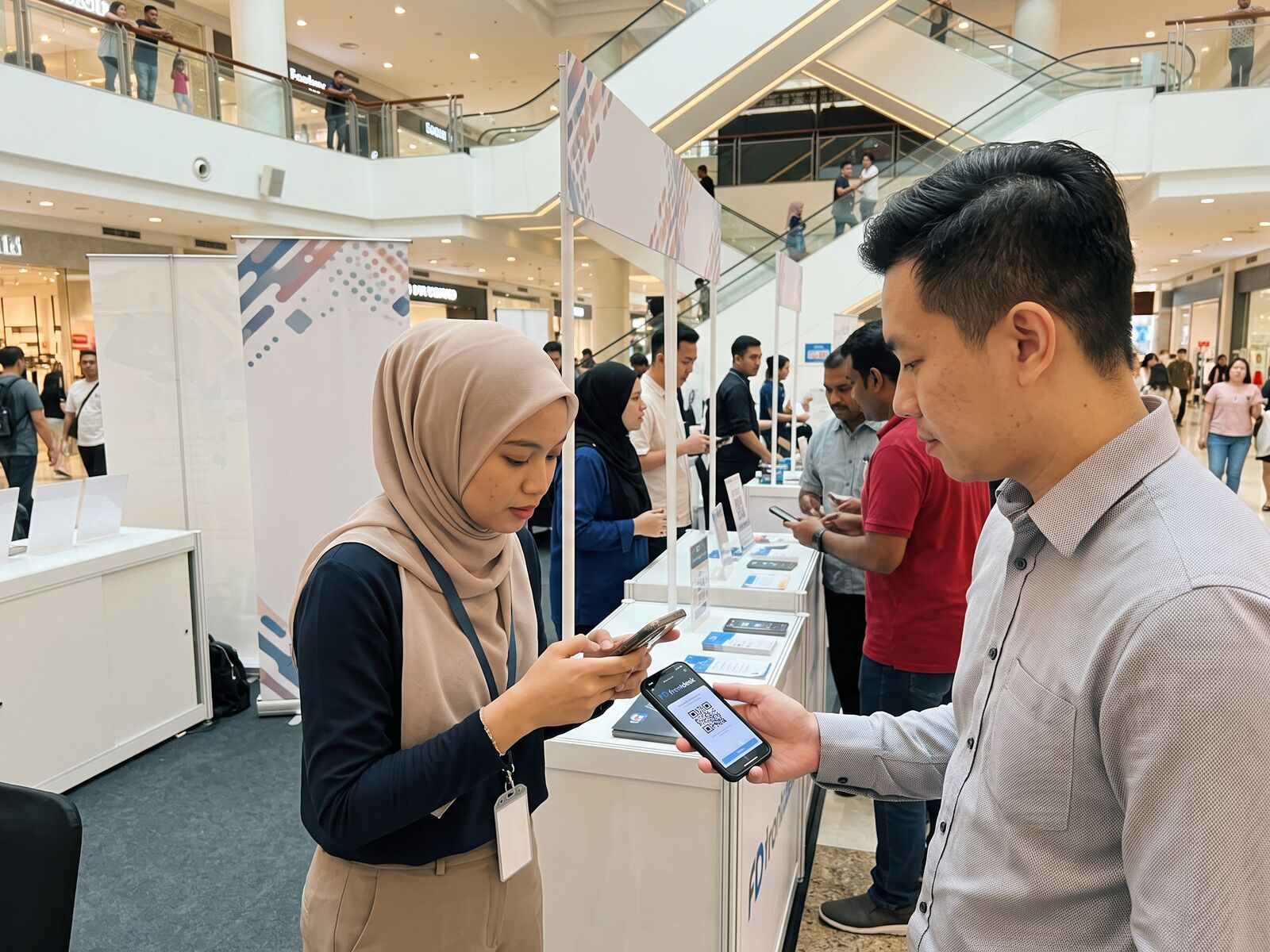
Capture every visitor at each stop.
Frequently asked questions
About the Exhibitor lead scanning app.